How to Create a D&D 5e Character, Step by Step
On Mystria, the D&D 5e character sheet follows the SRD 5.1 rules (2014 edition). It calculates everything it can (modifiers, proficiency bonus, skills, spell save DC) and lets you enter the rest. This guide fills it in from top to bottom, just as you would a paper sheet.
Where to create your character
Everything happens in a single window, which you can open from three places:
- The player, when joining the table. After entering the invitation code (and a nickname if they don't have an account), they land on the table's page. If the GM has prepared characters, they can pick one; otherwise, they click "✦ Create my character".
- The GM, before the session, in the session settings, Characters tab, "+ Add a character" button. A player character (PC) created by the GM stays unclaimed: the first player who picks it on arrival gets it.
- The GM, mid-session, from the Characters panel, + button.
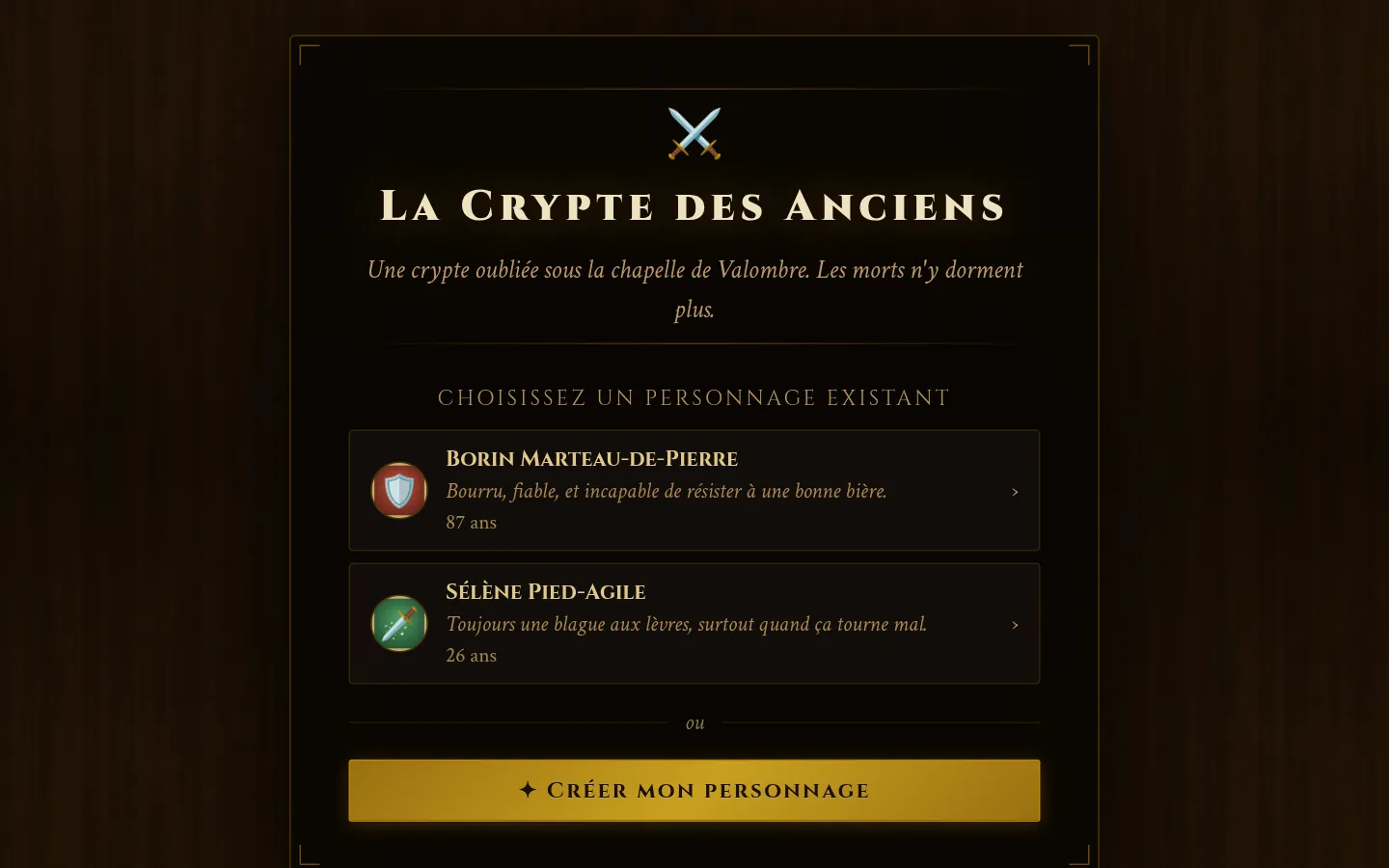
A player can have up to ten characters per table. Guest players without an account can create their character just like everyone else.
1. Name and portrait
Two things are required: the character name and an image. Click the portrait to upload an illustration (5 MB max), or click the ✨ button to have an AI generate one from the sheet (allow 10 to 30 seconds).
2. Race, class and level
In the sheet's header:
- Race: the suggestions come from the SRD (Human, High Elf, Hill Dwarf, Lightfoot Halfling, Rock Gnome, Half-Elf, Half-Orc, Tiefling, Dragonborn). The field is free text: you can enter another race from your books.
- Class: the twelve SRD classes, from Barbarian to Wizard. There's no list of subclasses; note yours in the features if needed.
- Level, age, and the PC / NPC choice (for a player, the character is always a PC).
- Hit points: fill in Max HP and current HP. Watch out: current HP defaults to 100, so remember to correct it.
Just below, enter your AC, Speed ("9 m", that is 30 feet, for most races) and Initiative. Armor Class isn't calculated from your armor: copy the value from your sheet.
3. Ability scores
Strength, Dexterity, Constitution, Intelligence, Wisdom and Charisma are entered by hand; the modifier appears on its own. Mystria offers neither point buy nor a fixed array: use your table's method. The two classics:
- The standard array: 15, 14, 13, 12, 10 and 8, placed wherever you like, then add your racial bonuses.
- Rolling: 4d6 per ability score, keeping the three highest. The table's dice roller works great for this, in front of everyone.
4. Proficiencies and skills
Your proficiency bonus is calculated from your level (+2 at levels 1 to 4, up to +6 at level 17). All that's left is to check:
- the saving throws your class is proficient in (two boxes);
- your proficient skills, out of the eighteen (Acrobatics, Arcana, Athletics, Insight, Stealth…). A second box grants expertise, which doubles your proficiency, for rogues and bards.
Each skill's total and your Passive Perception are calculated automatically.
5. Attacks and inventory
Under Attacks, add one line per weapon or attack: its name, the ability it uses (Strength for a longsword, Dexterity for a bow) and its damage, for example "1d8+3". The type tells whether it deals damage, heals or has another effect.
The inventory holds forty items with their quantities. The Equipped column matters: tactical combat uses the weapons and armor you're actually wearing.
6. Spells
For a spellcaster, open the ✨ Spells tab:
- Choose your spellcasting ability (Intelligence, Wisdom or Charisma). Your spell save DC (8 + proficiency + modifier) and spell attack bonus are displayed.
- Enter your spell slots for each level.
- Add your known or prepared spells. Start typing a name: SRD spells are suggested and fill in their level, school, range, duration and damage on their own. The ●/○ dot shows whether the spell is prepared.
7. Backstory
The 📖 Backstory tab holds personality, alignment, background (Soldier, Criminal, Sage…), ideals, bonds and flaws, languages and racial traits. The 🔒 Secrets (GM only) box lets you tell the GM what your character is hiding from the rest of the party.
Click "Create character": you're all set.
Simple or Full: the table's rules mode
The GM chooses the rules mode when creating the table, and can change it later in the session settings:
- Simple: a single class, with no feats or encumbrance. Ideal for beginners.
- Full: adds multiclassing (up to five classes), feats, item weight with encumbrance, and the choice of ability for each skill.
In play: rolling dice from the sheet
During the session, open your sheet and click directly on what you want to attempt:
- an ability or a skill rolls 1d20 with the right bonus;
- a saving throw, the same way;
- an attack rolls to hit, then damage;
- at 0 HP, the Death saving throw button appears.
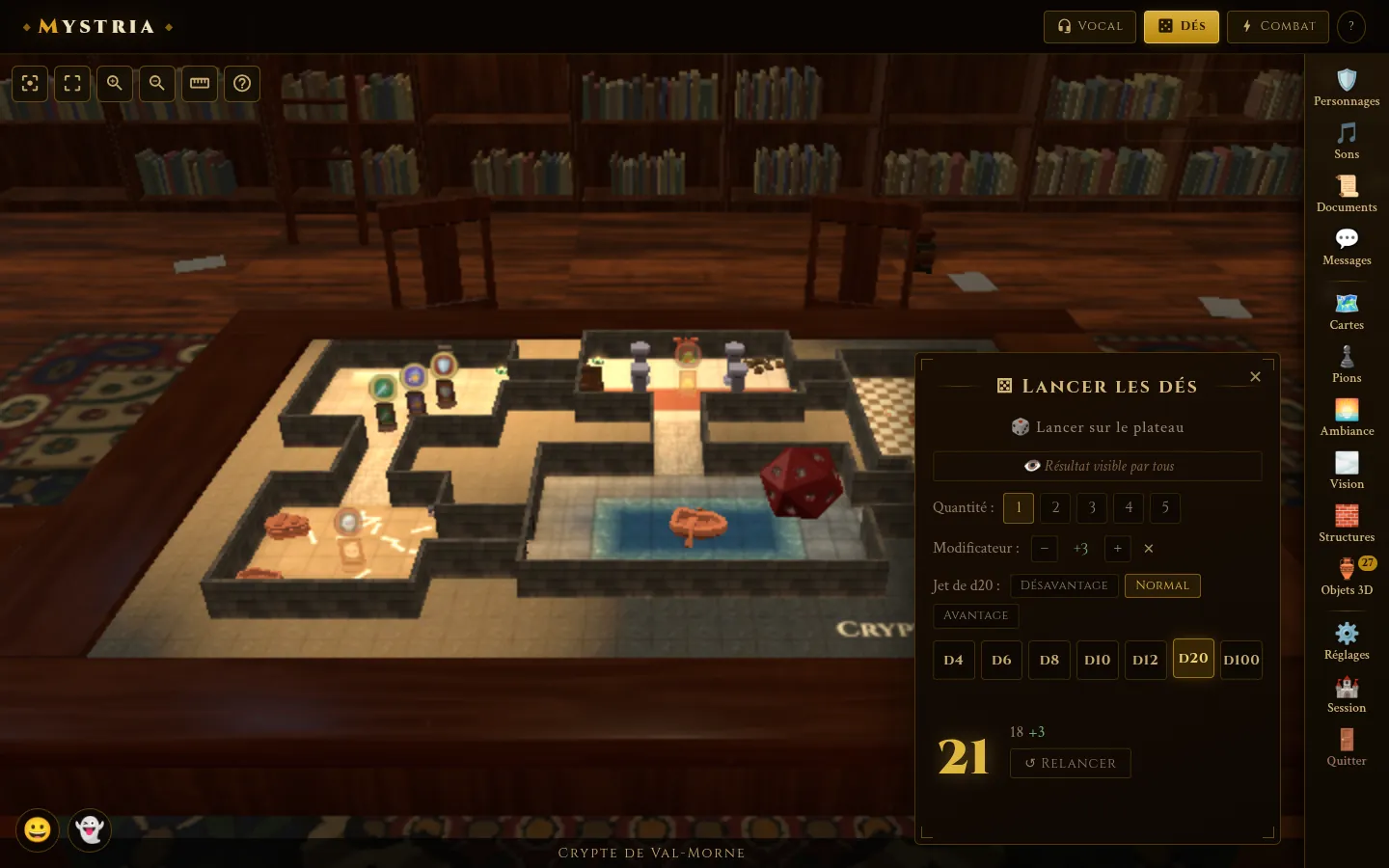
The dice window offers advantage and disadvantage. The 🏕 Rest button applies a short or long rest to every PC at the table.
Leveling up
There's no level-up wizard. Track your XP on the sheet: in Simple mode, a "→ lvl N" button takes you to the level you've reached. Otherwise, change your level with ✎ Edit. Your proficiency bonus and Hit Dice follow along; however, you have to increase your Max HP, spell slots and new class features yourself.
What about the miniature?
On the board, your character is represented by a token. Right-click it to choose its look: a classic token or an uploaded 3D miniature (.glb file). Uploading a miniature requires a free account.
Next step: the tactical combat guide, for your first fight.